
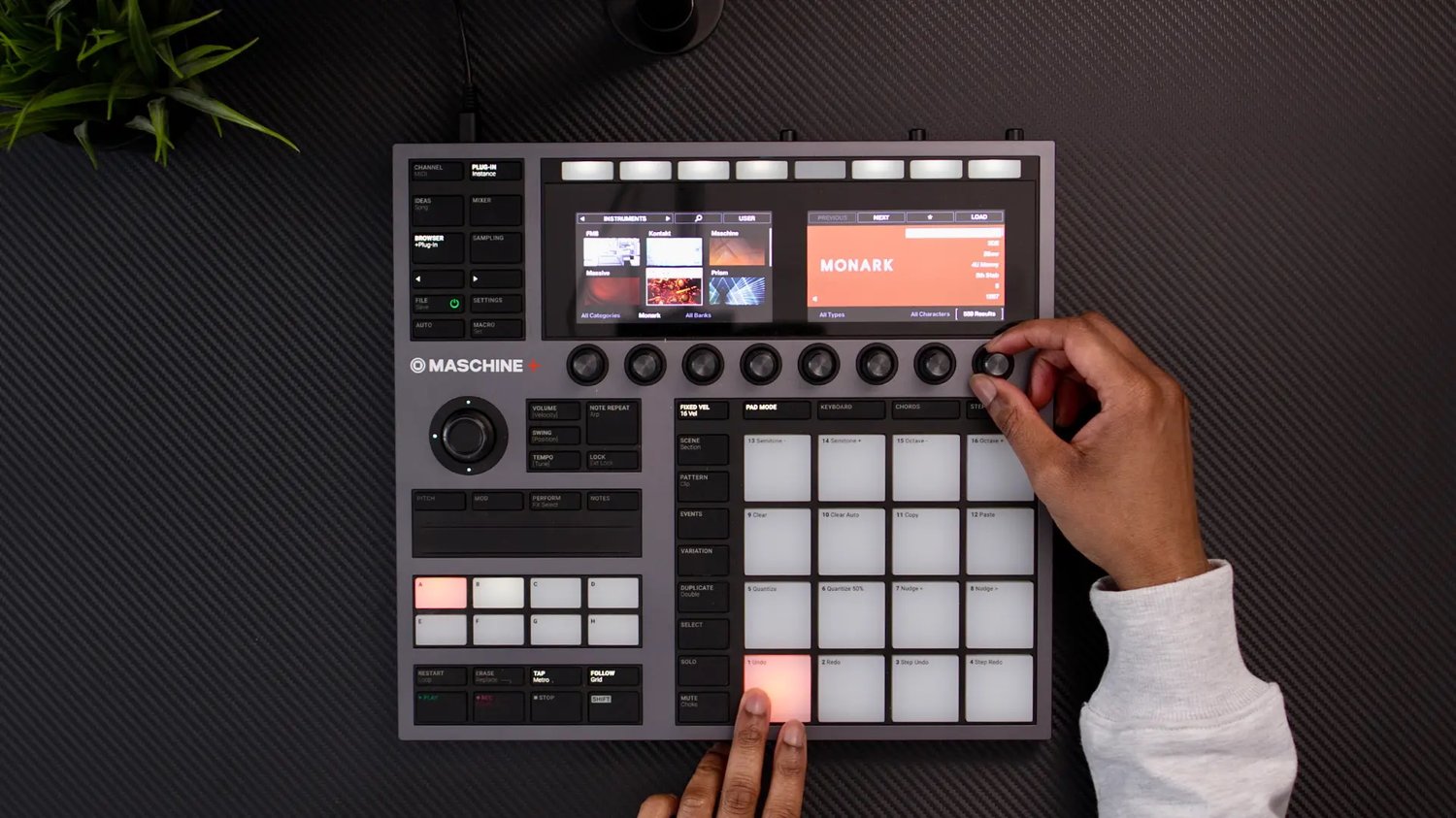
Native Instruments has finally added the long-requested custom chord feature in the latest update on Maschine, 3.1. So now we can create and share our own chord sets. I wanted to see how it works and so create an R&B chord set of my own.
You can download it here and see how to install it below.
Installing user chords on another Maschine system
Maschine Chord Sets are saved as .JSON files. Once you've downloaded your chord set, place the file in the following location for your system:
macOS
~/Library/Application Support/Native Instruments/Shared/User Chords/
Windows
%USERPROFILE%\AppData\Local\Native Instruments\Shared\User Chords\
Maschine+ (SD Card)
Native Instruments/Maschine 3/User Chords/
Tip: If these folders don’t yet exist, try creating them yourself. I’ve also found that I’ve needed to restart my Maschine for imported chord sets to appear.
Avoid duplicate file names: Before transferring the .json file, ensure there is no other chord set with the same name. See Native Instruments’ documentation on this here.
Compatible hardware
- Maschine MK3
- Maschine Mikro MK3
- Maschine Jam
- Maschine Studio
- Komplete Kontrol MK3
- Komplete Kontrol S MK2
- Komplete Kontrol M32
- Komplete Kontrol A-Series